


Quick Answer: What Are Chinese Character Encodings?
Chinese character encodings (字符编码, zìfú biānmǎ) specify how stored bytes correspond to text characters. Software needs the correct mapping to read a file as intended.[3]
- Unicode: Provides character code points; UTF-8 is one way to represent them as bytes.[1]
- Other names: GBK, GB18030 and Big5 appear in Chinese-text systems and legacy web material.[2]
- New web content: The web encoding standard specifies UTF-8.[2]
An encoding is different from an input method, a font or a choice between simplified and traditional writing.
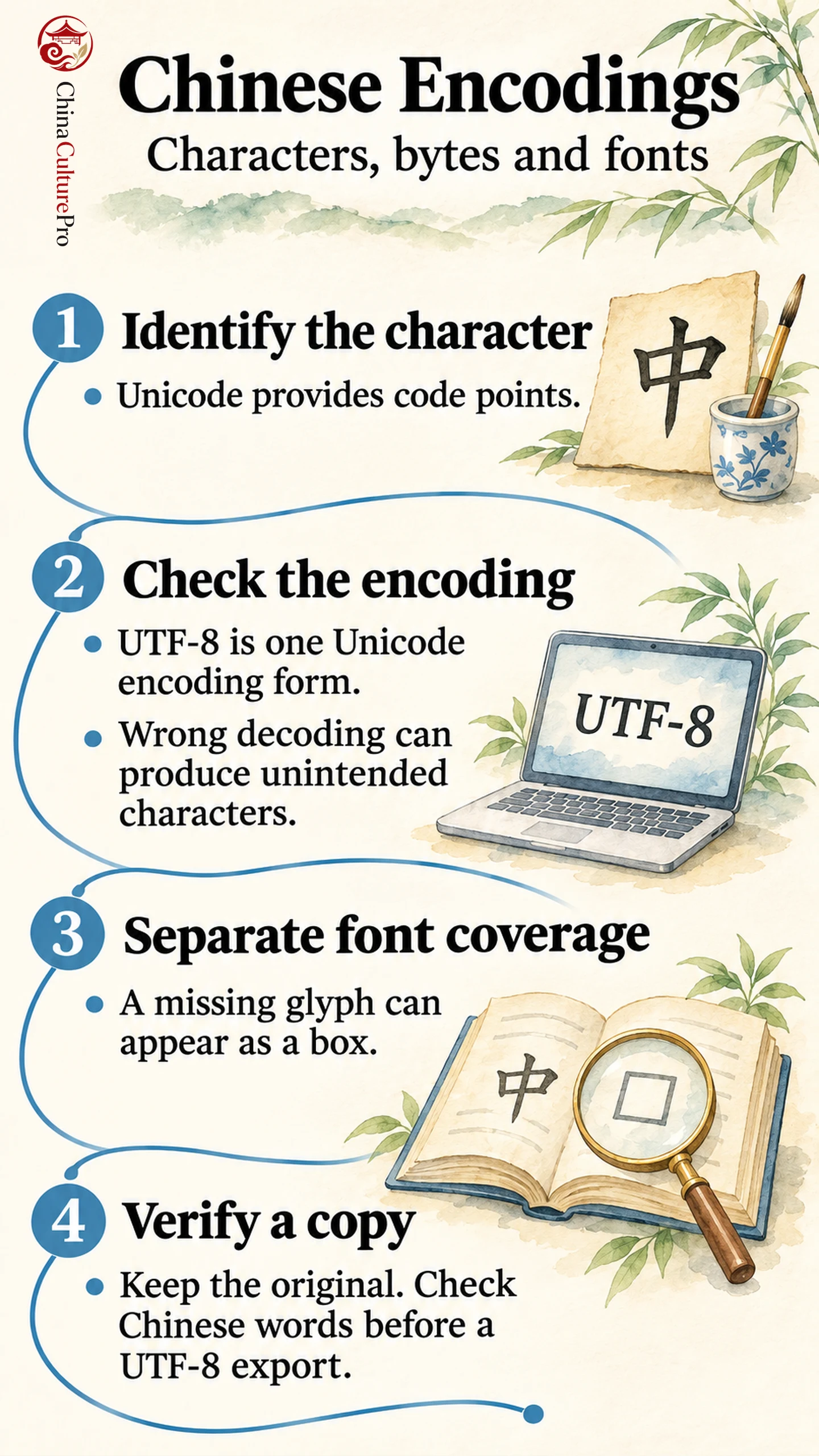
The same visible Chinese character can be stored in different ways. Keep three questions separate: which character is intended, how its bytes are represented, and which shape the font displays.
Characters, Code Points and Bytes
Unicode assigns numerical identifiers called code points. UTF-8, UTF-16 and UTF-32 are different Unicode encoding forms; UTF-8 uses one to four bytes per encoded Unicode code point.[1]
For example, 中 (zhōng) has code point U+4E2D. Its UTF-8 bytes, written in hexadecimal, are E4 B8 AD. The code point identifies the character; the three byte values describe its UTF-8 representation.
Typing is a separate stage: Cangjie input, for example, helps select a character. Its keyboard code is not that character’s UTF-8 byte sequence.
Encoding Names You May Encounter
These names describe encoding systems, rather than fonts or spoken Chinese varieties.
| Name | What it identifies |
|---|---|
| UTF-8 | Unicode encoding using 1–4 bytes per encoded code point.[1] |
| GBK | Legacy Chinese encoding; its web labels include gb2312.[2] |
| GB18030 | Chinese encoding using 1-, 2- or 4-byte sequences.[2] |
| Big5 | Legacy encoding associated with traditional Chinese text.[2] |
In the web standard, the label gb2312 resolves to GBK. That browser-label rule does not mean that all historical standards or software implementations bearing these names are identical.[2] Interpret a label in the context of the application producing or reading the text.
Why Text Looks Wrong: Encoding or Font?
Mojibake (乱码, luànmǎ) can occur when bytes are decoded using the wrong encoding. The resulting text may contain unintended characters even though the file itself is still available.[3]
Correctly decoded text can still show a box if the font lacks a needed glyph.[3] Check font coverage as well as the source encoding.
These clues are starting points, not a certain diagnosis from appearance alone. Confirm the characters and source encoding before converting anything.
How to Check a Plain-Text Export
- Preserve the original. Work on a copy without changing its source bytes.
- Identify its encoding. Check the export settings or ask the producer.
- Decode the copy correctly. Verify known Chinese words and punctuation, then save a separate UTF-8 copy.
- Reopen and compare. Read the new file as UTF-8. Match any accompanying encoding label to the saved bytes; seek a clean source if the original remains unreadable.
The key distinction is that changing a declaration alone does not transform the underlying byte sequence.[3]
FAQs About Chinese Character Encodings
Is UTF-8 only for simplified Chinese?
No. UTF-8 supports Unicode text containing simplified and traditional characters. It does not automatically convert 汉 (hàn) into 漢 (hàn), or choose the writer’s preferred script.[1]
Does every Chinese character use three UTF-8 bytes?
No. UTF-8 length depends on the code point. The example 中 uses three bytes; Han characters beyond U+FFFF use four. UTF-8’s full range is one to four bytes per encoded code point.[1]
Will changing an encoding label convert a file?
No. A label tells software how to interpret bytes. Conversion requires reading the source with its correct encoding and writing the resulting text in the target encoding.[3]
Sources
[1] Unicode Consortium. UTF-8, UTF-16, UTF-32 and BOM: frequently asked questions
[2] WHATWG. Encoding Standard: names, labels and Chinese encodings
[3] W3C Internationalization. Character encodings for beginners