


Quick Answer: What Is Wubi Input?
Wubi(五筆字型,wǔbǐ zìxíng)is a shape-based Chinese input method. You enter codes associated with character components, rather than spelling the character’s pronunciation.[1]
- Organization: Five stroke groups organize the component keyboard.
- Codes: Familiar Wubi 86 examples use up to four letter keys for a single character, with shorter codes for some entries.
- Output: The input software turns a code into candidate characters or words, which you confirm.
“Five” does not mean every character takes five keystrokes. The version, code table and input software all matter when interpreting an example.
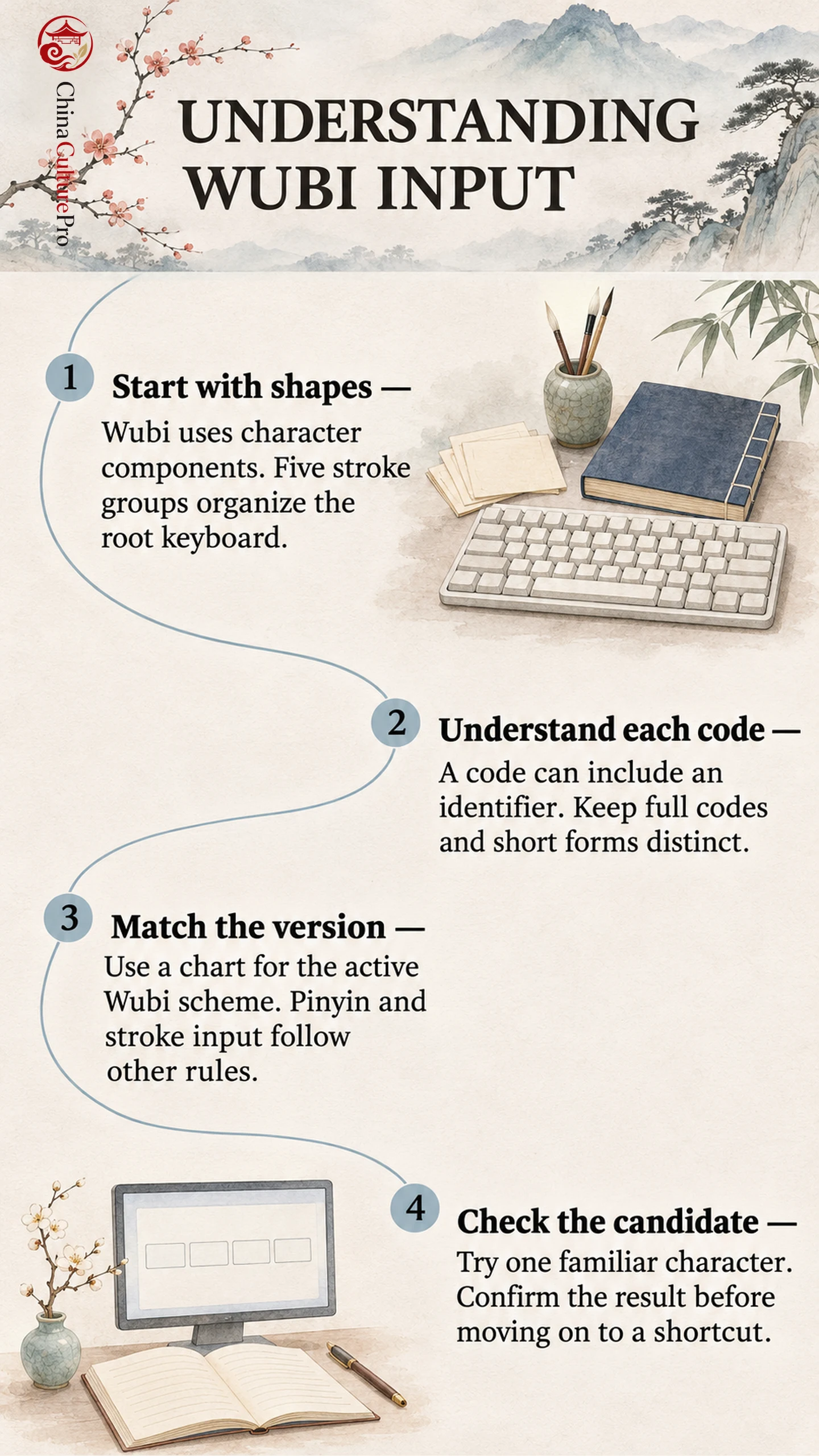
A Wubi code can look like an arbitrary string of English letters until you connect it with a character’s shape. The useful question is what each key represents: a component, a special rule or a shortcut. A small set of checked examples makes those distinctions clearer than trying to memorize an entire keyboard at once.
Why Five Strokes Means a Shape System
Wubi organizes character roots(字根,zìgēn), or component shapes, around five broad stroke groups: horizontal, vertical, left-falling, right-falling or dot, and turning. The groups organize five keyboard zones with five keys each. Wang Yongmin(王永民,Wáng Yǒngmín)developed the method; a 2018 interview account records its assessment in 1983 after research beginning in 1978.[2]
A root is a building block within this input scheme. It need not be the single radical under which a dictionary indexes the complete character. Learning Chinese characters and learning a Wubi decomposition are connected tasks, but they serve different purposes.
Several roots can share a key: Apple places 王 and 五 at zone 1, key 1.[1] A key can therefore represent several component shapes.
The practical advantage is independence from pronunciation: if you know a character’s form and the scheme’s rules, its sound is not the route to the code. Learning it requires a separate set of skills. You must recognize components, remember their keys and apply the relevant decomposition rules. Familiarity with handwriting can help you see shapes, while stroke order alone does not supply the complete Wubi code.
Read a Wubi 86 Code and Its Short Forms
A key-name character can use four repetitions of its key. Other characters may need an extra identifier for final stroke and layout.[3]
The following entries are checked against the Wubi 86 table maintained in the Rime project.[4]
| Entry | Full code | What it illustrates |
|---|---|---|
| 王 | GGGG | A repeated key for a key-name character |
| 林 | SSY | Component codes with an identifier |
| 叭 | KWY | A left–right layout identifier |
| 只 | KWU | A top–bottom layout identifier |
叭 and 只 both contain 口 and 八, represented here by K and W. They share a final stroke type but have different layouts: left–right and top–bottom. Their identifiers are therefore Y and U respectively.[3] This key supplies structural information.
The table contains short forms too: SS alongside SSY for 林, and JE alongside JEG for 明.[4] Keep each shortcut beside its full code while learning the decomposition.
For ordinary characters containing more than four roots, the usual rule takes the first three and the last, rather than typing every root.[3]
Two-character words use another rule: take the first two letters from each character’s full code. 中, KHK, and 国, LGYI, therefore give KH + LG = KHLG for 中国, which appears in the inspected table.[3][4] This word code is not the two complete character codes joined together.
Codes can also collide. In that table, 云 and 去 both have FCU.[4] A candidate list is therefore compatible with Wubi; the method does not guarantee one unique result for every code.
Keep Versions and Other Input Methods Separate
Resources may specify 86, 98 or New Century Wubi. These labels identify different conventions for roots and codes; they are not Windows version numbers. A developer’s documentation explicitly supports all three as selectable standards.[5] Match your chart, practice material and active scheme before diagnosing a code as incorrect.
Pinyin(拼音,pīnyīn)uses pronunciation. Wubi uses components, while Wubihua(五筆畫,wǔbǐhuà)uses stroke categories in writing order. Apple lists Stroke and Wubi separately.[1] Check the active tool when the same keys produce unexpected results. Our pinyin and stroke-input comparison covers those alternatives.
Script support also needs checking. The inspected Wubi 86 table contains both 龙, with DXV, and 龍, with UEGD.[4] Check your keyboard’s character coverage and output mode. See Simplified and Traditional Chinese for the script distinction.
Finally, a Wubi input code belongs to the typing method. Unicode identifies the resulting character separately; the letters you type are not the character’s universal storage code.[6]
Try One Character and Resolve a Mismatch
Use a character you can already recognize. The aim of this first trial is to verify your setup and understand one entry, rather than measure typing speed.
- Match the scheme: Choose a Wubi 86 input source and a reference labelled for that version. Keep 林, SSY and its short form SS visible beside your typing area.
- Activate Chinese input: Open a text field and select the Wubi input source. Check its Chinese or English mode before entering letters.
- Enter and inspect: Type SSY, inspect the offered characters and confirm 林 using the selection control supported by your input software.
- Compare the short form: Clear the trial entry and try SS. Check the candidate before confirming it. If the result differs, inspect the active scheme, code table and output settings before changing the reference.
On Windows, Microsoft Wubi supports Space to select the focused candidate and a number key to choose its corresponding candidate. Enter closes its candidate window and deletes the unconverted input.[7] Do not assume that Enter behaves as it does in another input method.
Help keys differ. On Mac, Wubi – Simplified uses Z for unknown keys, illustrated by AZU and AZUZ for 共.[1] The inspected Rime configuration uses Z to begin pinyin reverse lookup.[4] Check your implementation’s help.
FAQs About Wubi Input
Is Wubi the same as five-stroke input?
No. Wubi uses component-based codes; five-stroke input follows stroke categories in writing order.
Do you need to know a character’s pronunciation?
Not for a shape-based Wubi lookup. You need its structure and the relevant coding rules.
Does Wubi always produce only one candidate?
No. Shared codes exist, and the software may offer candidates to select.
Can Wubi enter Traditional Chinese?
Some tables support Traditional characters. Check the particular scheme, character coverage and output mode.
Sumber
[1] Apple. Chinese and Cantonese Input Method User Guide
[2] People’s Daily. Wang Yongmin on Bringing Chinese Characters Across the Digital Divide
[3] Joe Wicentowski. Wubizixing for Speakers of English
[4] Rime Project. Wubi 86 Dictionary and Associated Schema
[5] iHTC Studio. Wubi Version and Practice Documentation
[6] Unicode Consortium. Fonts and Keyboards: Inputting Chinese Characters
[7] Microsoft. Microsoft Simplified Chinese IME